Bulk-generate & schedule posts in seconds with Smart Scheduling. Try now!
The 20 best social media management tools in 2026
 Published by Sadia
Choosing the right social media management tool is crucial for brands and creators who want to stay consistent and build an active community. With new platforms emerging, features changing, and user behavior constantly evolving, keeping up can feel overwhelming without proper support.
The good news is that in 2026, there are plenty of reliable social media management software available. These tools simplify content planning, help you stay organized, enable collaboration with your team, and allow you to manage your presence across multiple channels, all from a single platform.
Fun fact: 63.8% of the world’s population uses social media. You can capture this massive audience with a reliable social media management tool.
What is a social media management tool?
A social media management tool consolidates all social media activities into a single dashboard, allowing users to create, schedule, respond to comments, and monitor performance centrally.
Originally simple schedulers by 2026, these tools typically include publishing, engagement, analytics, social listening, and collaboration features such as drag-and-drop calendars, AI caption writers, unified inboxes, approval workflows, and reports linking activity to website traffic or sales.
They help brands manage multiple networks, each with different formats and audiences, ensuring a consistent voice, regular posting, and swift responses.
These tools turn social media management from guesswork into a repeatable process, providing data on reach, clicks, engagement, and conversions, with innovative suggestions for optimal posting times and content ideas.
Why your business needs a social media management tool in 2026

Running social by hand might work for a single profile with a few posts a week. Once you manage several channels, paid campaigns, and regular content, a social media management platform becomes basic infrastructure.
- Time efficiency and resource use: Automation, bulk scheduling, and a shared calendar can save ten to twenty hours per week for a small team. That time can be spent on strategy, creative work, and customer conversations.
- Consistency and brand presence: A planned content calendar keeps your feeds active even when the team is busy or out of the office. Approval workflows mean every post is checked for tone, facts, and design before it goes live.
- Data‑driven decisions: Without analytics, it is easy to chase vanity numbers. A good platform shows which networks drive clicks, leads, and revenue, and which formats earn the most engagement.
- Improved audience engagement: A unified inbox consolidates DMs, comments, mentions, and reviews from all networks into a single stream. It becomes much easier to reply fast, assign tricky cases to the right teammate, and avoid missed questions.
- Scalability for growth: As brands grow, they add new channels, languages, and regions. Features like saved replies, queues, templates, and AI assistance let a lean team manage a bustling presence.
- Competitive intelligence and social listening: Monitoring competitors, industry keywords, and trending topics helps you spot gaps and opportunities, rather than guessing.
Top features of the best social media management tools
Marketers, brands, agencies, and different types of businesses can choose the best social media management tool by looking for these features:
- Supports major social media platforms: Make sure the SMM tool you choose supports a broad range of social networks.
- An intuitive social media calendar: Many marketers, especially those managing multiple clients and social media profiles, use social media management tools for scheduling. Choose a platform with an easy-to-use social media calendar or planner, preferably with numerous views, for streamlined content planning.
- AI-powered features: AI has taken the world by storm, and the trend is expected to continue in 2025 and beyond. So, you should choose an AI-powered tool that can help you generate engaging social media captions, hashtags, content, and even images.
- Comprehensive analytics: Go for a tool that allows you to measure, analyze, and monitor the performance of your social media posts in addition to creating and scheduling them.
- White-label options: Individual marketers might not pay much attention to them. Nevertheless, brands and agencies can benefit from white-label solutions and reporting features to provide a customized social media management experience to their clients.
- Reliable customer support: The SMM tool of your choice should offer responsive, reliable customer support to provide quick answers to your queries.
- Explore trending content: Social media is all about staying up to date with the latest trends. Many SMM tools provide features to schedule and post content, but a perfect tool would be the one that helps you curate and discover trending content.
- Free trial: Knowing the exact features, usage, and overall benefits of a social media management tool without actually using it is difficult. So, you should choose a tool that offers at least a 14-day free trial to try it out before subscribing.
Now that you are familiar with the top features of social media management tools, let’s explore the best platforms for marketers, brands, and agencies!
Best 20 social media management tools in 2026
Choosing the best social media management tool is dependent on your specific requirements, including the platforms you want to manage and the size of your business.
I’ve compiled the following list of the top social media management software in 2026, based on their features, interfaces, pricing, and overall usage. These tools offer wide-ranging social media management and marketing solutions for individual marketers, small businesses, agencies, and large-scale enterprises.
You can easily read about each of these social media management platforms or simply jump to the one that interests you:
So, without any further delay, let’s discuss each SMM tool one by one.
1. ContentStudio
ContentStudio is the top social media management tool available online, and its 14,500+ paid users attest to this.
Some of the key reasons why ContentStudio stands out among a sea of social media management software are its user-friendliness, flexible pricing, drag-and-drop social media planner and scheduler, and support for all leading social media platforms.
The versatile features of ContentStudio make it the top choice for large-scale businesses as well as individual users. The ability to categorize social media profiles of multiple clients and brands in dedicated workspaces is an excellent feature for managing various social media accounts.
Key features
- Multi-platform scheduling and publishing: ContentStudio offers robust scheduling and publishing features for all major social media platforms, including Facebook, Instagram, Twitter (now X), YouTube, Google My Business, LinkedIn, Pinterest, Threads, TikTok, and Bluesky. What I particularly value is the ability to customize each post for different platforms right from a single composer window.
- Detailed analytics: The analytics suite is comprehensive, offering metrics like engagement and follower growth, along with actionable insights across channels. You can create branded, customized reports, an agency favorite in social media management tools.
- AI-powered content creation: What really sets ContentStudio apart is its robust AI assistant. I’ve found it particularly useful for generating both social posts and longer-form content. With up to 50,000 AI words per month on higher plans, you can create everything from quick tweets to comprehensive blog posts.
- Visual planning tools: The platform offers both calendar and grid views for content planning. I personally liked the Instagram grid view feature, which lets you preview how your posts will look together on your profile – essential for maintaining a cohesive visual brand.
- Unified inbox management: The social inbox centralizes all social media interactions, allowing monitoring and replying to comments, messages, and customer feedback across platforms from one management software, eliminating the need for tab-switching.
- Multiple automation options: Beyond basic scheduling, ContentStudio offers innovative features such as evergreen content recycling and RSS feed automation. You can use this to automatically share new blog posts and repurpose high-performing content, saving hours of manual work.
Pros
- Comprehensive AI integration
- Strong content discovery
- Detailed analytics
- Valuable automation recipes
- Excellent value for money
- A unified inbox to maximize social engagement
- Availability of Android and iOS applications
Cons
- Advanced features need higher tiers
- Lack of social listening features
Pricing
| Standard | $19/month – 5 asocial accounts |
| Advanced | $49/month – 10 social accounts |
| Agency unlimited | $99/month – 25 social accounts (billed annually) |
2. Planable

Planable takes an interesting approach to social media management, emphasizing visual social media collaboration in content planning. Its primary focus is enhancing team collaboration and simplifying the workflow, making it easier for marketing teams and agencies to plan and manage their social media campaigns.
While testing various platforms over the years, I’ve found that Planable’s workspace design makes it particularly appealing for teams that prioritize visual content and need a clear approval system.
Key features
- Visual content planning: The platform shines in its visual presentation, offering feed, calendar, and grid views that help teams envision how content will appear on social platforms.
- Collaboration system: The approval workflows, while not the most flexible I’ve seen, do provide a straightforward way to manage content reviews.
- Media management: The platform provides dedicated storage for your media assets, though you may need to monitor usage if you manage multiple high-volume accounts.
- Analytics add-ons: For teams interested in performance tracking, Planable offers analytics as a separate add-on. This modular approach might work for some teams, though others might prefer an all-in-one solution.
Pros
- Intuitive visual interface
- Accurate content preview
- Straightforward collaboration
Cons
- Monthly post limitations
- Separate analytics package
- Storage caps on lower tiers
- Basic automation features
Pricing
| Free | 50 total posts for testing the waters |
| Basic | $33/month – 60 posts, 4 social pages |
| Pro | $49/month 150 posts, 10 social pages |
| Enterprise | Custom pricing – Unlimited posts |
3. Loomly
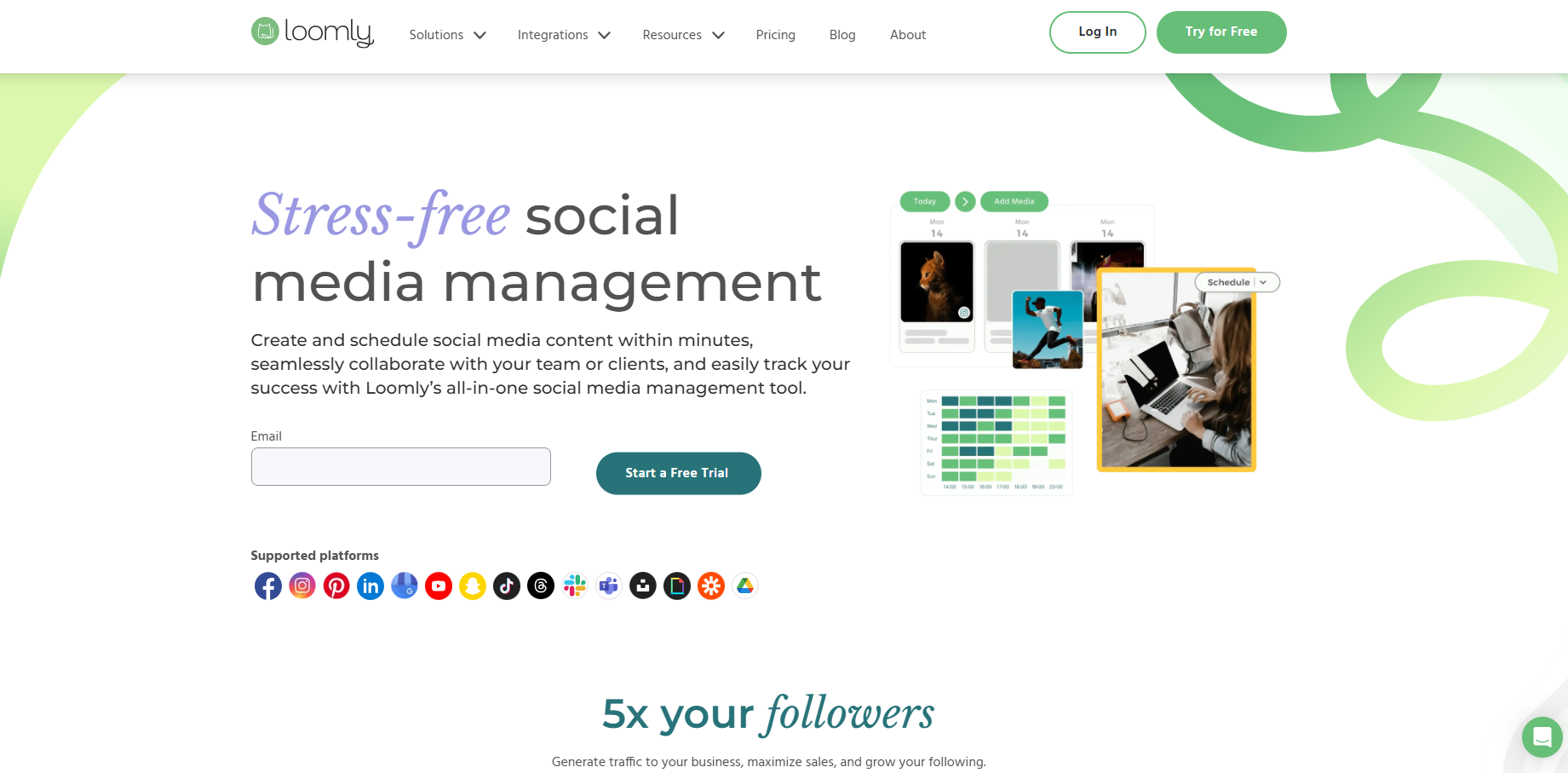
Loomly is a robust social media management tool that streamlines the creation, scheduling, and publishing of content across platforms.
Known for its user-friendly interface, Loomly offers a range of features for both individual users and large teams. What particularly caught my attention about Loomly is how it transforms the often chaotic process of social media management into a structured, systematic one.
Key features
- Post optimization intelligence: The platform provides real-time tips and optimization suggestions based on each social network’s best practices.
- Advanced collaboration tools: The approval workflows are exceptionally well-designed. I’ve found the custom roles and workflows particularly useful when working with larger teams.
- Asset management: Unlimited media storage, with integration with Google Drive, Unsplash, and GIPHY, makes managing visual content quick and easy.
- Interaction management: Beyond scheduling, Loomly offers engagement features such as saved replies and conversation assignment.
Pros
- Intuitive and easy-to-navigate interface
- Facilitates teamwork with robust collaboration and approval features
- Provides post ideas to help users generate engaging content
- Provides post ideas to help users generate engaging content
Cons
- Limited advanced features
- Steep pricing for additional users or large teams
- Analytics and reporting are basic for highly data-driven campaigns
- No direct inbox for social messages in the basic tier
Pricing
| Best plan | $32/month – 10 social accounts, 2 users |
| Standard plan | $60/month – 20 social accounts, 6 users |
| Advanced plan | $131/month – 35 social accounts, 14 users |
| Premium plan | $277/month – 50 social accounts, 30 users (billed annually) |
4. Hootsuite
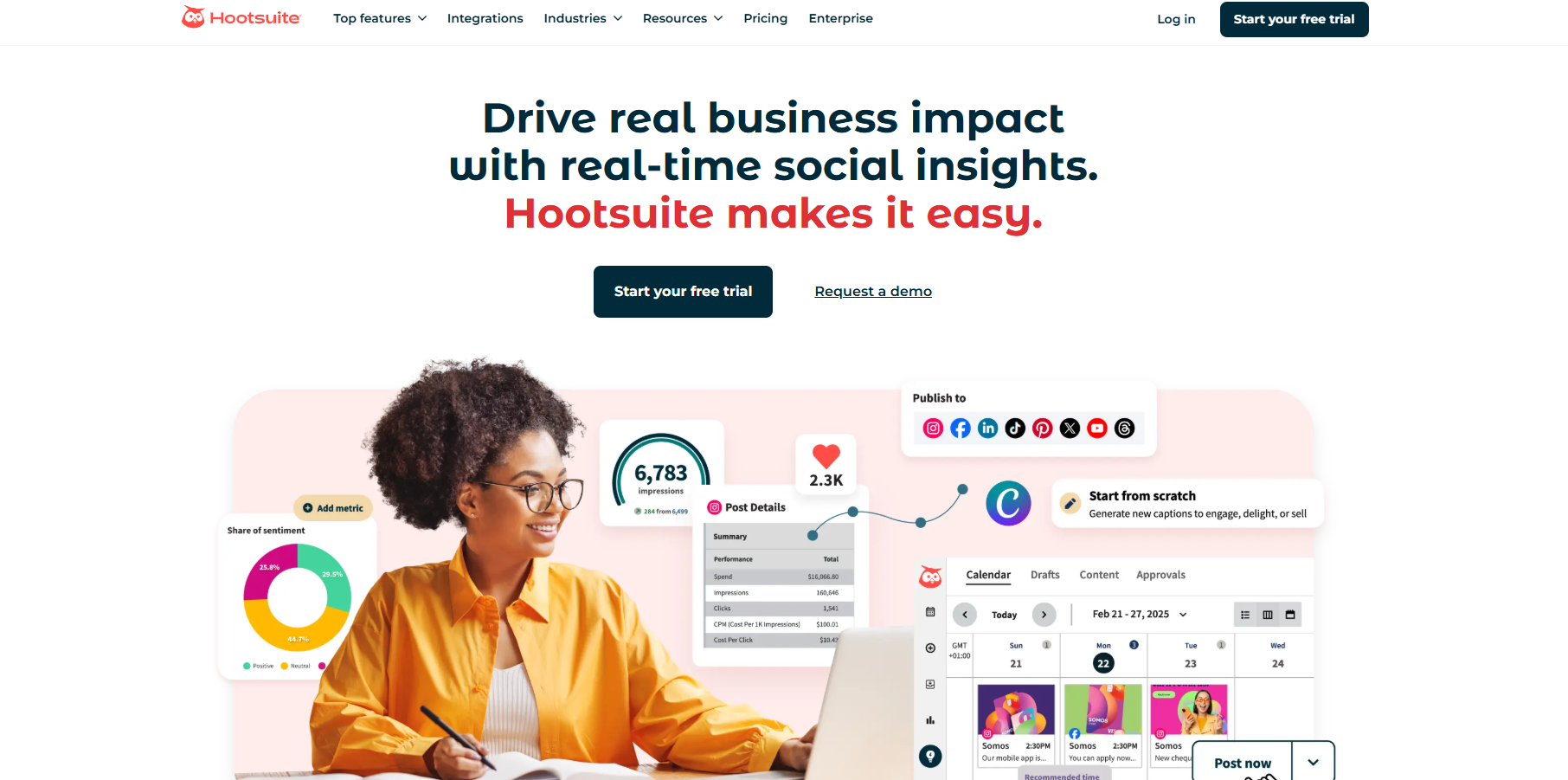
As one of the pioneers in social media management, Hootsuite has become almost synonymous with social scheduling. Many social media marketers and managers have seen Hootsuite evolve from a simple Twitter management tool to a comprehensive platform.
While Hootsuite maintains its position as an industry heavyweight, the platform sometimes feels like it’s resting on its legacy rather than driving innovation.
Key features
- Stream-based monitoring: Hootsuite’s signature dashboard, with customizable streams, provides a comprehensive view of your social media presence. Though the interface can feel busy at times, it’s effective for monitoring multiple feeds simultaneously.
- Team management: The platform provides solid collaboration tools, particularly in higher-tier plans. The permissions system and task assignment features work well for larger teams.
- Analytics suite: While you get access to basic metrics in lower tiers, the more insightful analytics require higher-level plans or additional investment.
- AI Integration: Hootsuite has added modern AI features for generating captions and generating content ideas.
Pros
- Reliable scheduling system
- Comprehensive monitoring
- Strong enterprise features
- Strong security features
Cons
- Relatively high pricing
- Somewhat dated interface
- Advanced features need add-ons
- Steep learning curve
Pricing
| Professional | $99/month – 1 user, 10 users, 10 accounts |
| Team | $249/month – 3 users, 20 social accounts |
| Enterprise | Custom pricing – 5+ users, 50+ social accounts (All prices based on annual billing) |
5. Sendible
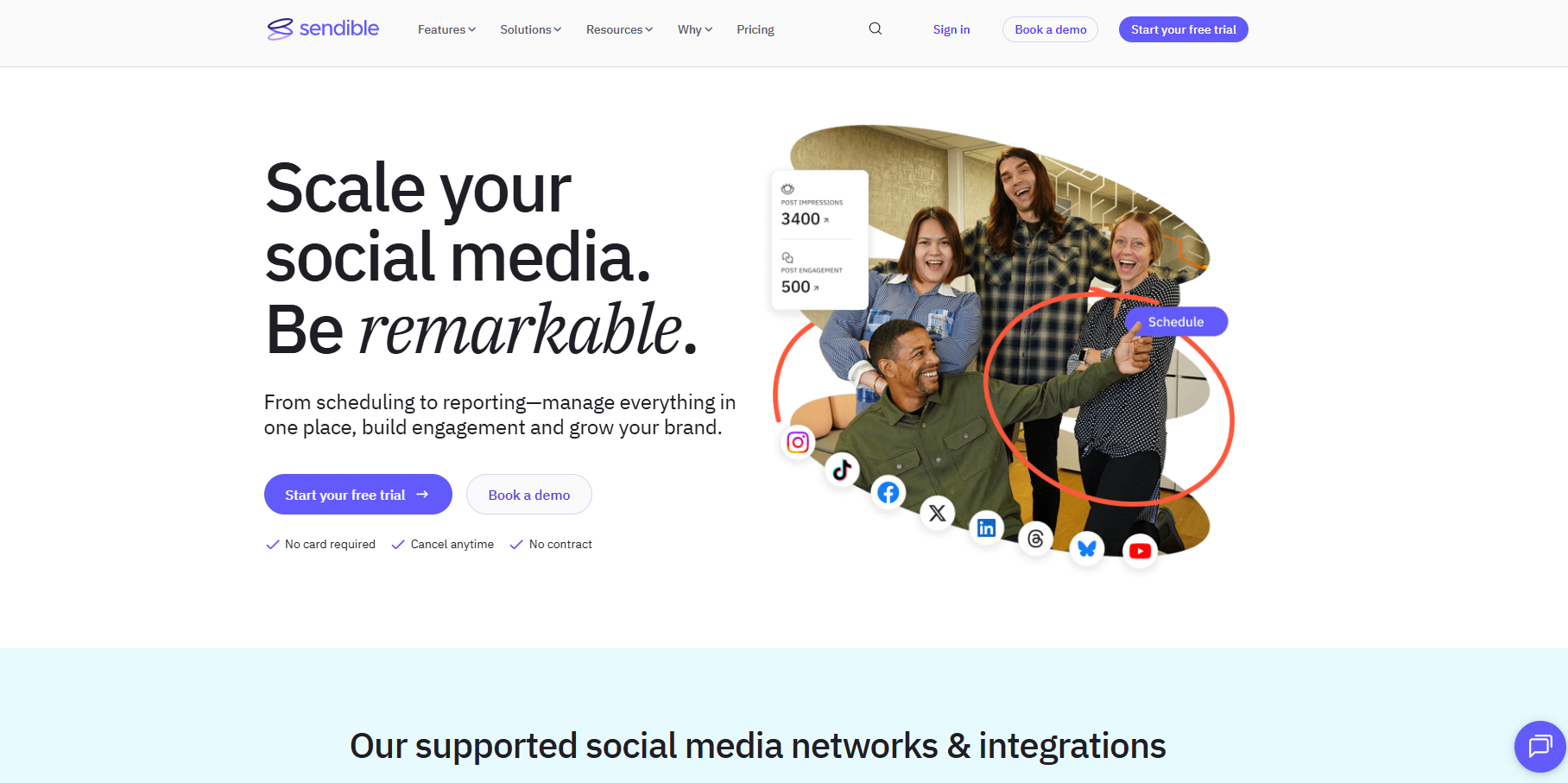
While exploring mid-tier social media management tools, Sendible emerges as an interesting option. It tries to bridge the gap between basic schedulers and enterprise solutions.
Sendible presents itself as an all-in-one social media management software. However, my experience suggests that it has significant areas that need to evolve.
Key features
- Content creation tools: The platform offers integration with Canva and includes a basic media editor. While functional for routine posts, I’ve noticed the content creation suite isn’t quite as comprehensive as some newer SMM platforms that leverage AI for image generation.
- Multi-channel publishing: Sendible handles the basics well, supports major social networks, and allows customization for each platform. The scheduling interface is straightforward, though the posting limits (100-500 sends per day, depending on your plan) may need to be considered for larger operations.
- Client management: The white-label reporting and client access features are available in higher tiers, making it suitable for agencies.
Pros
- Reasonable entry-level pricing
- Decent client management
- Good reporting options
Cons
- Daily posting limits
- Basic content creation tools
- Limited queue features on lower tiers
- Analytics depth varies by plan
Pricing
| Creator | $29/month – 6 social profiles, 1 user |
| Traction | $89/month – 24 social profiles, 4 users |
| Scale | $199/month – 49 social profiles, 7 users |
| Advanced | $299/month – 100 profiles, 20 users (Prices based on annual billing) |
6. SocialPilot
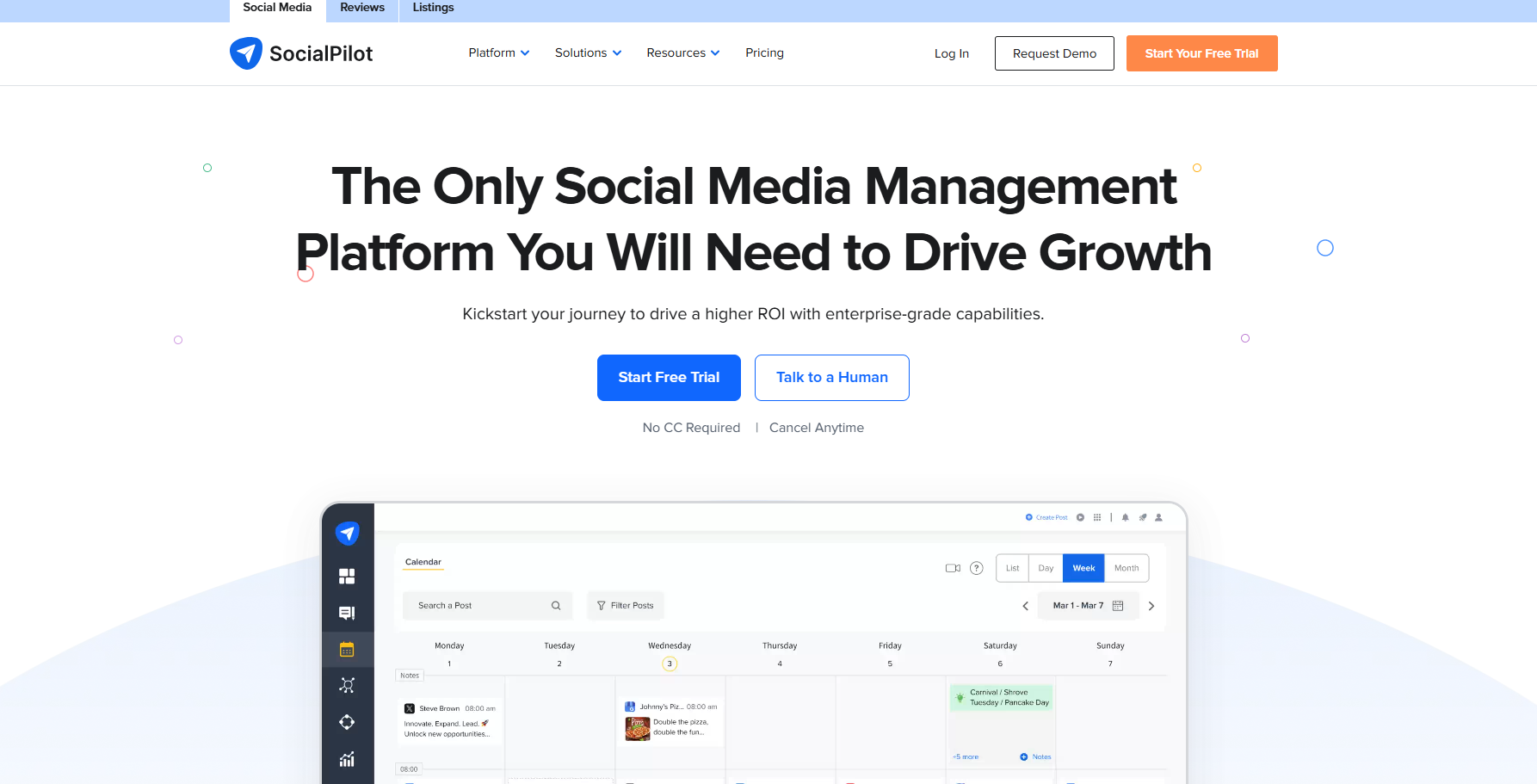
SocialPilot positions itself as a more affordable alternative to enterprise social media management tools. During my testing period, I found it strikes an excellent balance between functionality and pricing.
Not every social media management software has the features to categorize clients or multiple social media accounts. Hence, the ability to organize the clients into separate dashboards and add custom branding immediately sets SocialPilot apart from many other SMM tools.
Key features
- Bulk scheduling: The platform offers decent bulk scheduling capabilities with CSV uploads. It’s functional but lacks some of the more sophisticated automation features.
- Team collaboration: SocialPilot provides client and team management features starting from their Professional plan.
- Analytics reporting: While the platform offers white-label reports and basic analytics, the insights aren’t as deep as you might need for sophisticated social media strategies.
Pros
- Competitive pricing
- Good team management
- Reliable scheduling
- Decent client access
Cons
- Basic automation features
- Limited advanced analytics
- Content curation needs refinement
- Mobile app could be improved
Pricing
| Professional | $25.50/month – 7 social accounts, 1 user |
| Premium | $42.50/month – 15 social accounts, 3 users |
| Advanced | $85/month – 25 social accounts, 6 users |
| Ultimate | $170/month – 50 social accounts, unlimited users (Based on annual billing) |
7. Sprout Social
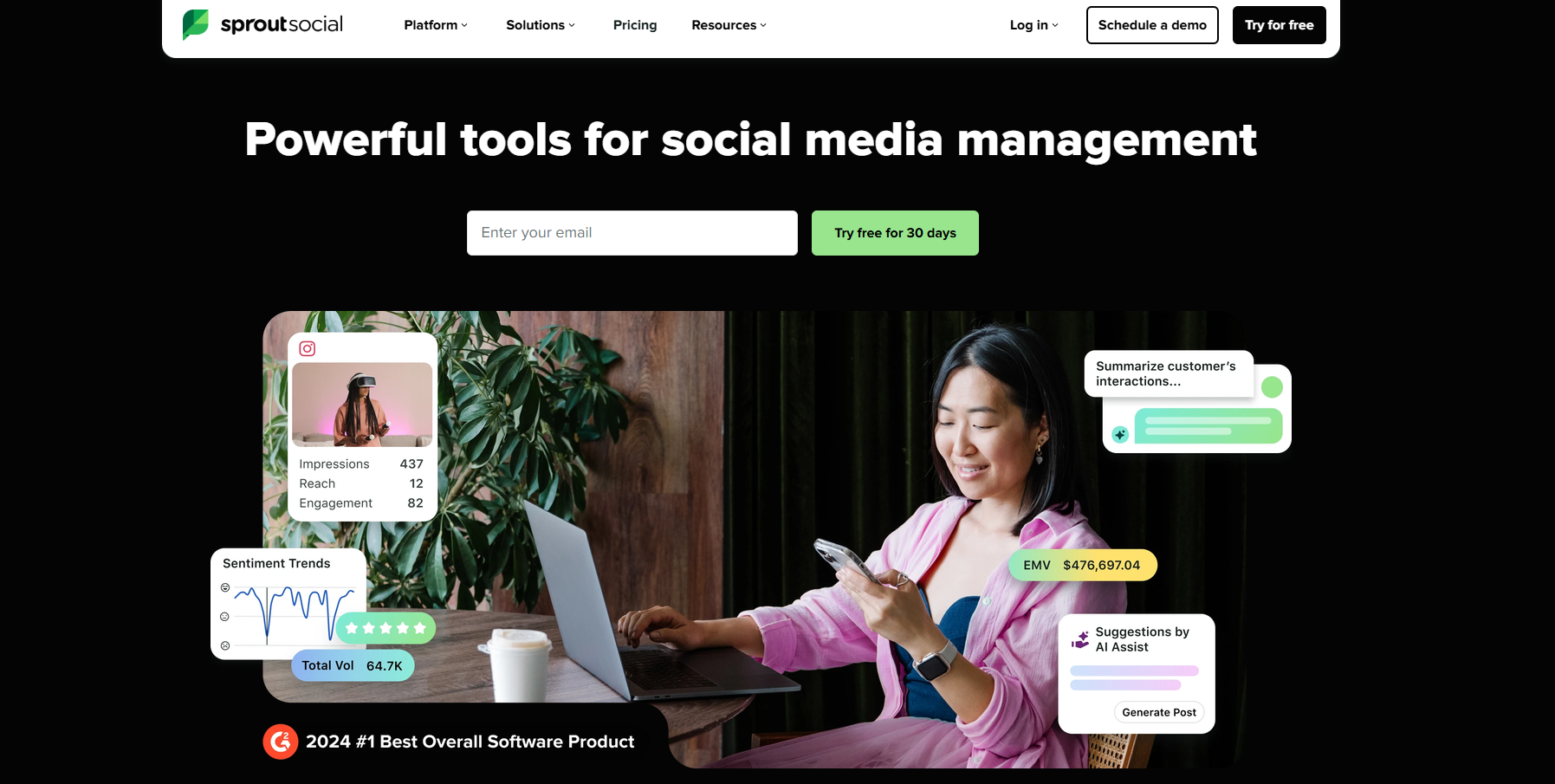
When it comes to premium social media management tools, Sprout Social is undoubtedly the most well-known name. It provides robust social media management features to brands and agencies.
The most important thing about Sprout Social is that it brings together various tools into a single dashboard. Users can schedule and publish content across multiple social media platforms and monitor and analyze their social media activity to improve performance.
Key features
- Smart inbox: The unified social inbox is well-designed and includes useful features like message tagging and response management. However, some of the more advanced inbox features are locked behind higher-tier plans.
- Analytics platform: Sprout offers comprehensive analytics capabilities, particularly in higher tiers. While the reporting is thorough, it’s worth noting that many advanced metrics require the Premium Analytics add-on, which adds to the already substantial cost.
- Listening tools: Their social listening features are robust but are available only as a premium add-on.
Pros
- Robust enterprise features
- Comprehensive reporting
- Strong team collaboration
- Reliable performance
Cons
- Significant investment required
- Essential features as add-ons
- Steep learning curve
- Per-user pricing adds up quickly
- Complex for small teams
Pricing
| Standard | $199/user/month – 5 social profiles |
| Professional | $299/user/month – Unlimited profiles |
| Advanced | $399/user/month – Unlimited profiles |
| Enterprise | Custom pricing (Based on annual billing) |
8. Agorapulse

Agorapulse is one of those social media tools that tries to provide enterprise features at mid-range pricing. The platform is mainly known for its scheduling and reporting features.
Agorapulse’s per-profile pricing structure makes it a good option for businesses of all sizes and growing teams managing multiple social media profiles.
Key features
- Social inbox: The inbox handling is one of their strongest points, offering solid engagement management and team assignment features.
- Publishing suite: The scheduling system is reliable, with valuable features like queue categories and bulk scheduling.
- ROI tracking: Their ROI reporting tool attempts to quantify social media efforts, though the basic version available in lower tiers provides limited insights.
- Team collaboration: The approval workflows and team management features are functional but follow a fairly traditional approach.
Pros
- Solid inbox management
- Good basic reporting
- Reliable scheduling
Cons
- Per-profile pricing adds up
- Limited content creation tools
- Traditional automation features
- Basic AI capabilities
- Some features need higher tiers
Pricing
| Standard | $79/user/month – 10 social pofiles |
| Professional | $119/user/month – 10 social profiles |
| Advanced | $149/user/month – 10 social profiles |
| Enterprise | Custom pricing (Additional profiles at $15/month each) |
9. Buffer

Buffer has built its reputation as one of the more straightforward social media management tools in the market. While the platform started as a simple scheduling tool, it has evolved over the years into a full-fledged social media management platform.
Key features
- Publishing interface: Buffer’s scheduling interface remains one of its strong points – clean, intuitive, and easy to navigate. However, the platform’s simplicity sometimes crosses into limitations, particularly for more advanced publishing needs.
- Analytics tools: The analytics offering is functional but basic, especially in lower tiers. While you can track essential metrics, teams seeking deeper insights might find the reporting capabilities somewhat limited compared to those of more comprehensive platforms.
- Team collaboration: The platform offers basic collaboration features to facilitate teams and agencies.
Pros
- Easy-to-use interface
- Reliable scheduling
- Good for small teams
- Transparent pricing
Cons
- Limited advanced features
- Basic analytics capabilities
- Simple automation options
- Minimal AI integration
- Entry-level collaboration tools
Pricing
| Free | 3 channels, 10 scheduled posts |
| Essentials | $60/month – Unlimited posts, 1 user |
| Team | $120/month – Unlimited posts, unlimited users (Price based on monthly billing) |
10. Later

Later has carved out an interesting niche in social media management, initially focused on Instagram but gradually expanding to other platforms. During my experience with the tool, I noticed it takes a distinctly visual approach to social media planning, though this specialized focus comes with certain limitations.
Key features
- Visual Planner: The platform’s Instagram grid planning feature is well-executed, offering a clear preview of how posts will look together.
- Link in bio tool: Their Linkin.bio feature is a solid offering for Instagram marketing, though it’s worth noting that similar functionality is now available in various other platforms.
- Analytics: The platform provides standard social media metrics to track the performance of your posts.
Pros
- Strong visual planning
- Good Instagram focus
- Clean user interface
Cons
- Limited post volumes in lower tiers
- Basic automation capabilities
- Restricted analytics in the starter plan
- AI features need more credits
- Feature depth varies widely by plan
Pricing
| Starter | $18.75/month – 1 social set, 30 posts per profile |
| Growth | $37.50/month – 3 social sets. 150 posts per profile |
| Advanced | $82.50/month – 6 social sets, unlimited posts |
| Agency | $200/month – 15 social sets, unlimited posts (Based on annual billing) |
Plan, schedule, share, and analyze content for 15+ social media channels.

11. Zoho Social
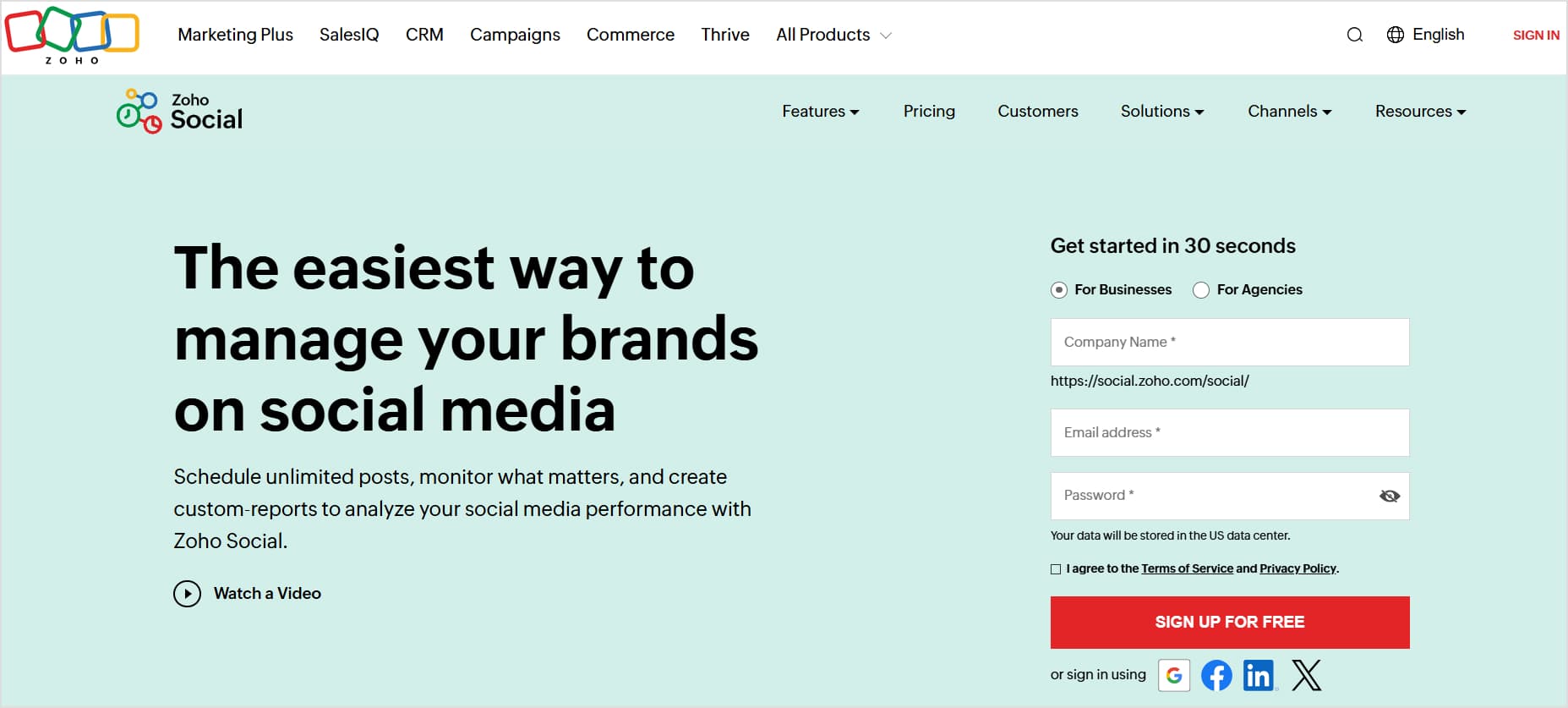
Coming from the broader Zoho ecosystem, Zoho Social is a budget-friendly social media management tool. One key aspect I love about Zoho Social is its great balance between simplicity and functionality.
Key features
- CRM integration: Perhaps Zoho Social’s strongest suit is its quick integration with Zoho’s CRM system. However, if you’re not already in the Zoho ecosystem, this feature becomes less relevant.
- Publishing tools: The scheduling interface offers basic functionality, with valuable features such as SmartQ (their best-time posting tool).
- Monitoring dashboard: Their social monitoring setup is straightforward, allowing you to track relevant conversations.
- Team collaboration: The collaboration features are adequate for small teams, offering basic approval workflows and team member discussions.
Pros
- Competitive pricing
- Good CRM integration
- Simple interface
- Reliable scheduling
Cons
- Limited content creation tools
- Basic analytics capabilities
- Traditional automation features
- Mobile app needs improvement
- Mobile app needs improvement
- Restricted team features in lower tiers
Pricing
| Free | 1 team, 6 channels |
| Standard | $10/month – 1 team member, 11 channels |
| Professional | $30/month – 1 team member, 11 channels |
| Premium | $40/month – 3 team members, 14 channels (Additional brands/team members available as add-ons) |
12. NapoleonCat
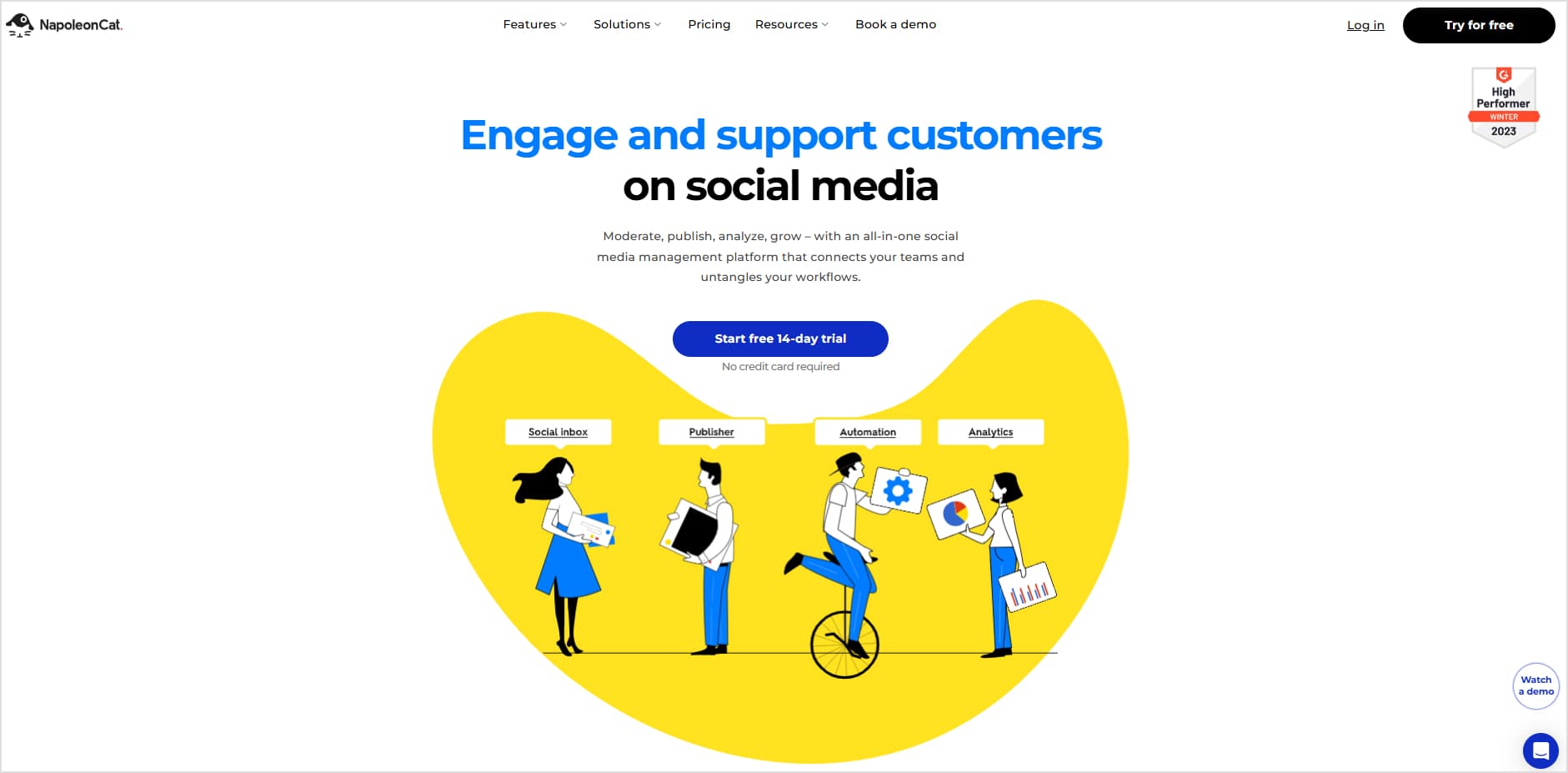
Picture having a social media assistant who’s exceptionally good at handling customer interactions but sometimes stumbles with creative tasks – that’s NapoleonCat in a nutshell. Over the years, NapoleonCat has built its reputation as a valuable social media management tool for handling customer engagement at scale.
Key features
- Social inbox: NapoleonCat’s social inbox allows you to handle comments across platforms, automatically translate responses (in over 100 languages!), and even set up smart auto-moderation rules.
- Analytics: Unlike the standard “here’s how many likes you got” approach, NapoleonCat tries to tell you the ‘why’ behind your numbers.
- Team communication hub: The platform shines at team coordination, especially for agencies handling multiple clients.
Pros
- Exceptional comment management
- Strong team collaboration
- Solid auto-moderation
- Multi-language support
Cons
- Content creation tools need work
- Pricey for smaller teams
- Limited post templates
- Basic visual planning tools
- Publishing features could be stronger
Pricing
| Standard | $79/month – 5 profiles, 2 user |
| Pro | $89/month – 5 profiles, 2 users, 10k inbox capacity |
| Custom | Starting at $465/month (Pricing based on annual billing) |
13. SocialBee
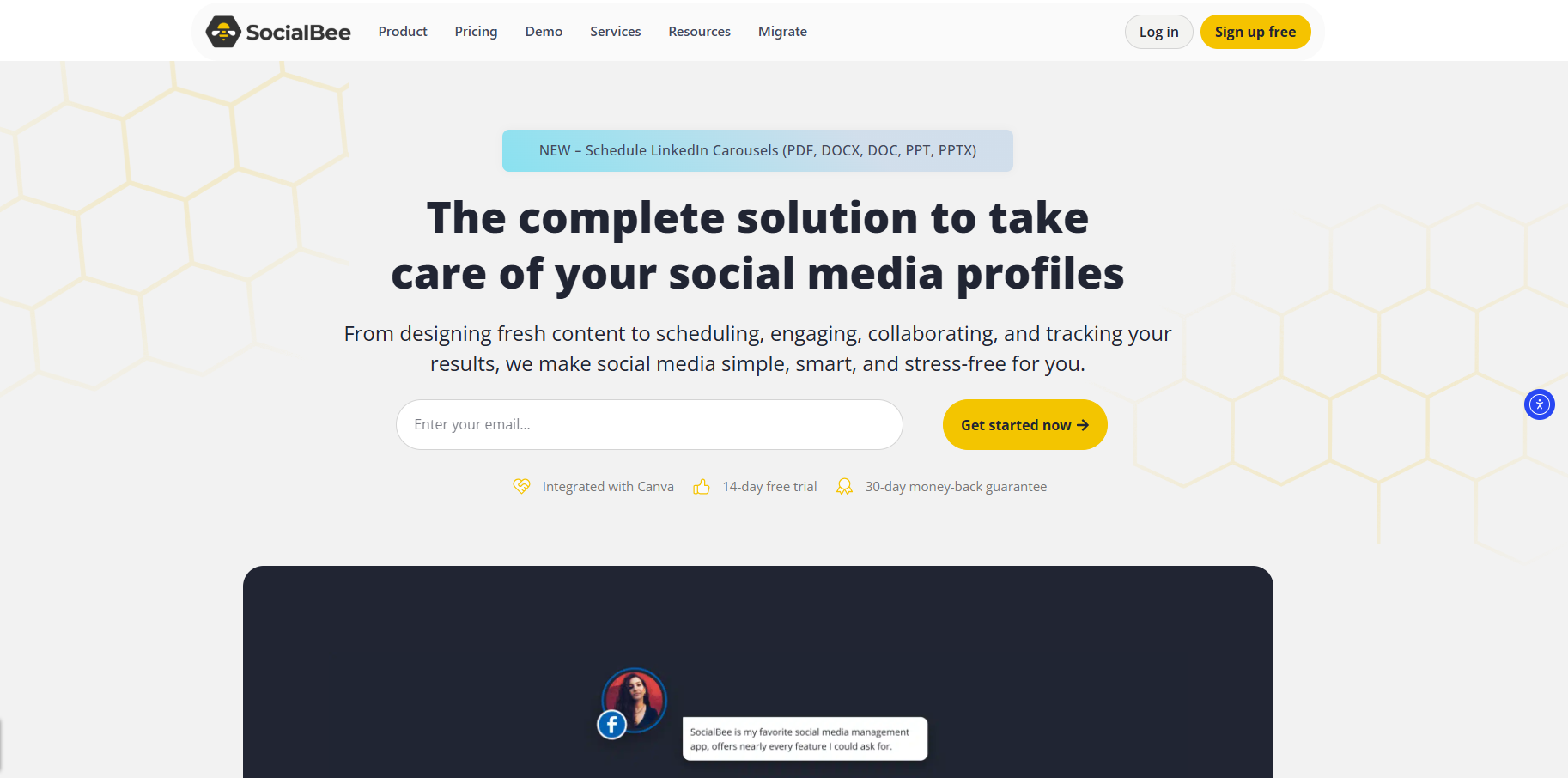
SocialBee might not be the fanciest social media management tool out there, but it is definitely an efficient platform. It has built a strong reputation in the industry, especially for its content categorization features.
Key features
- Content categorization: SocialBee’s standout feature lets you organize content into categories like “promotional,” “educational,” or “behind-the-scenes.”
- Content repurposing: The platform’s content recycling isn’t just simple republishing – it includes variation options to keep things fresh.
- AI-powered features: They’ve jumped on the AI bandwagon with their content generation tools. It’s helpful for basic posts and caption generation.
- Budget-friendly scaling: SocialBee has a reasonable pricing structure for growing teams.
Pros
- Unique content organization
- Straightforward pricing
- Good post variations
- Decent value for money
Cons
- Limited advanced features
- Basic analytics capabilities
- UI could be more intuitive
- Mobile app needs work
- Some automation limitations
Pricing
| Bootstrap | $24/month – 5 profiles, 1 workspace |
| Accelerate | $40/month – 10 profiles, 1 workspace |
| Pro | $82/month – 25 profiles, 5 workspaces (Based on annual billing) |
14. HeyOrca
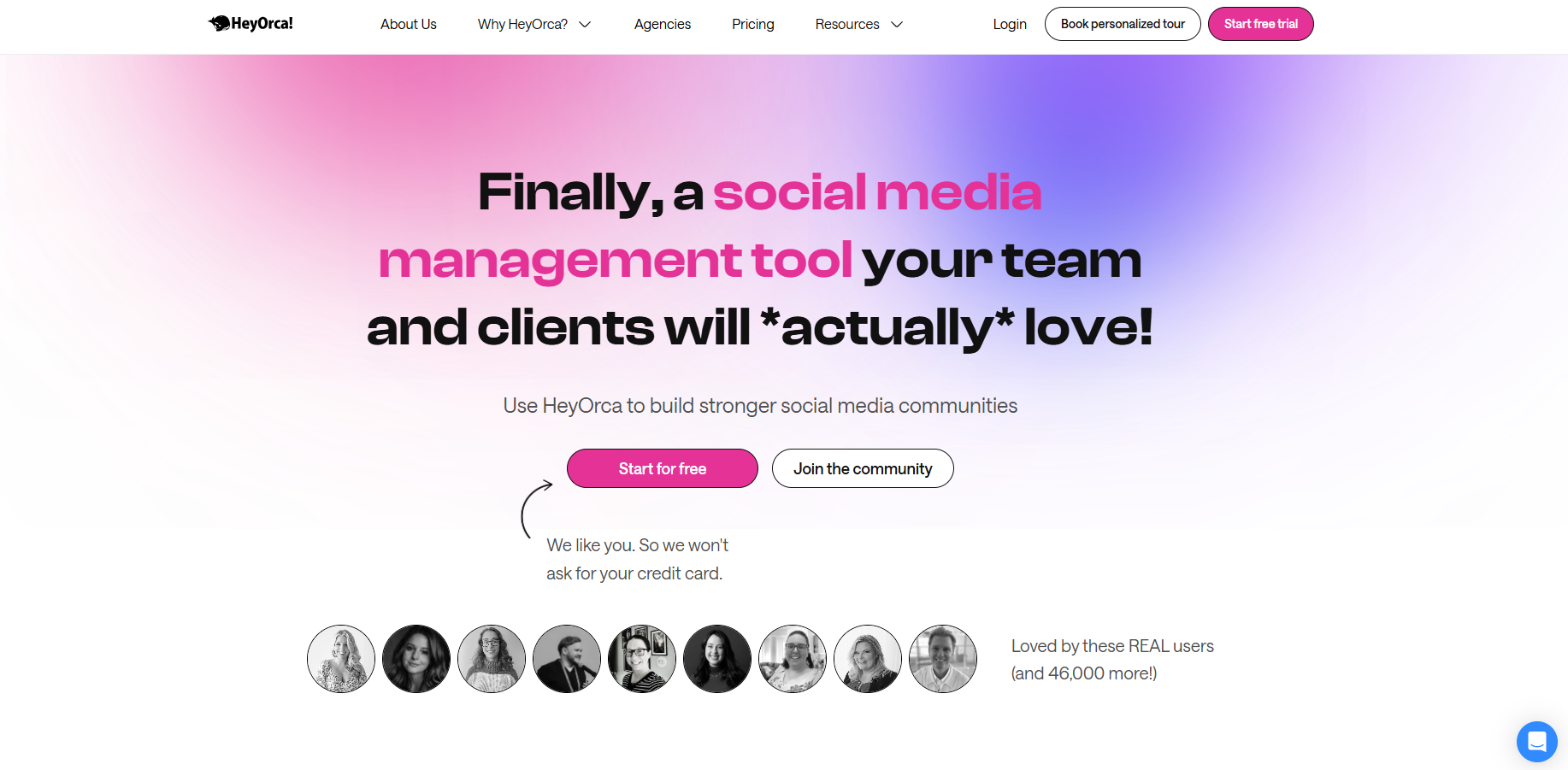
HeyOrca takes an interesting angle in the social media management space by focusing on one persistent challenge: content approval chaos. While most platforms treat approval workflows as just another feature, HeyOrca has built its entire platform around streamlining the approval process between agencies and clients.
The result? A social media management software that’s refreshingly focused, though this specialization comes with drawbacks.
Key features
- Post approval dashboard: Unlike the maze-like approval systems in some tools, HeyOrca’s approach is refreshingly straightforward. The content calendar is laid out visually, with clear indicators showing what’s approved, what’s pending, and what needs work.
- Client-friendly interface: The platform stands out for its thoughtfully designed client view – clean, intuitive, and requiring minimal onboarding.
- Calendar management: Their calendar view hits a sweet spot between visual appeal and functionality. However, if you’re looking for sophisticated content planning features such as AI-powered suggestions or advanced content categorization, you might find yourself wanting more.
Pros
- Super intuitive client access
- Clean approval workflows
- Excellent calendar view
- Unlimited scheduling
Cons
- Limited content creation tools
- Basic analytics capabilities
- No AI-powered features
- Minimal automation options
- Could use more integrations
Pricing
| Base | $59/month – 10 social accounts, 2 users |
| Standard | $99/month – 10 social accounts, 2 users |
| Pro | $149/month – 10 social accounts, 2 users |
| Premium | Custom pricing – For large businesses or marketing teams (All prices based on annual billing) |
15. Cloud Campaign
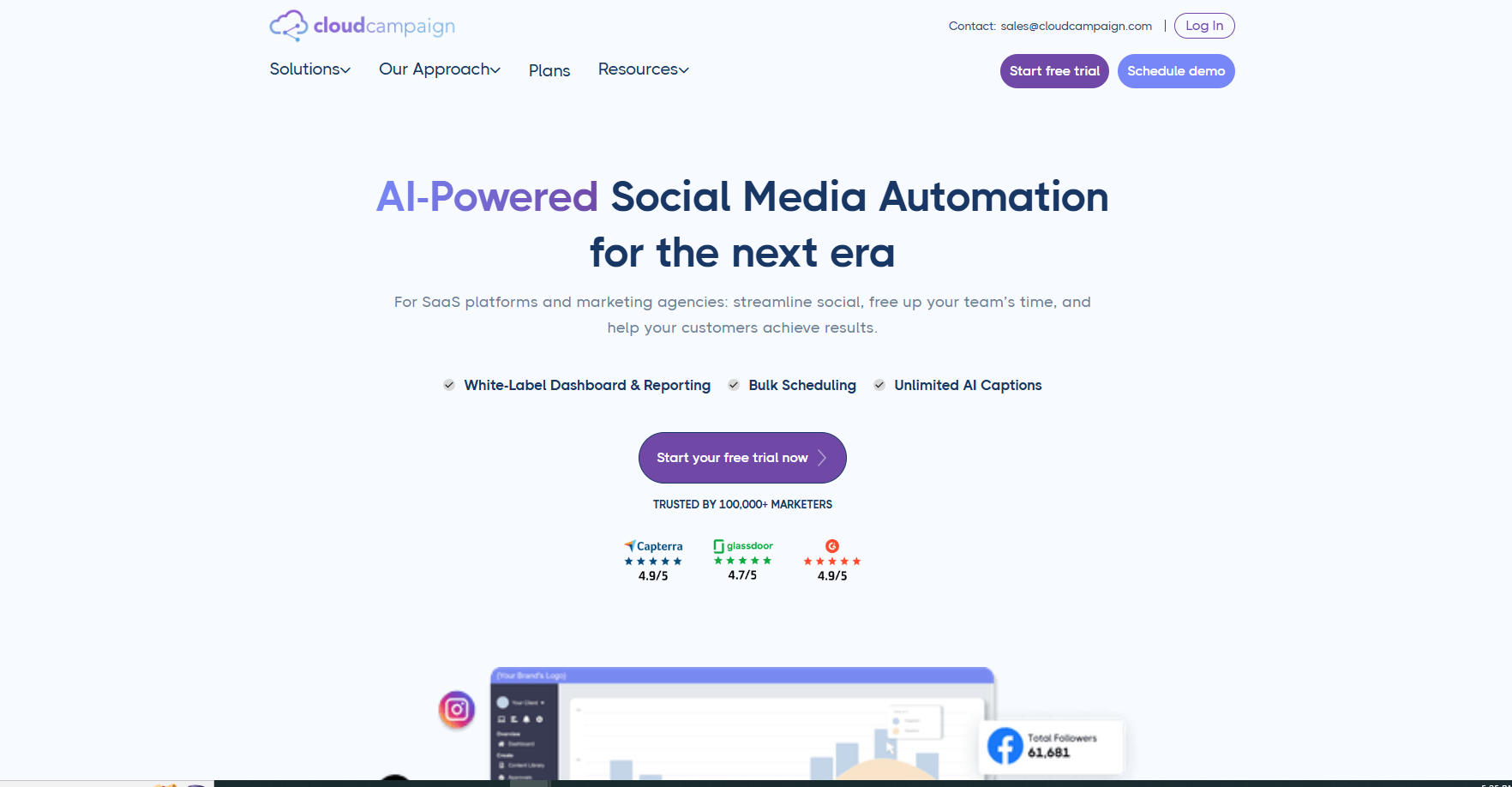
Cloud Campaign is a social media management platform focusing specifically on agencies and their unique scaling needs. The platform pitches itself as a white-label solution with agency-friendly pricing. However, its specialized approach offers both advantages and limitations.
Key features
- Agency-first architecture: Unlike platforms that retrofit agency features, Cloud Campaign’s core is built for agency workflows. The white-labeling capabilities are comprehensive, extending beyond simple branding to include custom domains and email addresses.
- Flexible pricing for agencies: Their pricing model stands out – instead of charging per user or social profile, they focus on brand workspaces.
- Client management: The platform offers solid client management tools, including customizable access levels and automated reporting.
Pros
- Strong white-labeling
- Agency-friendly pricing
- Good client management
- Unlimited users
- Solid bulk posting tools
Cons
- Limited content creation tools
- Basic automation features
- Analytics could be deeper
- Learning curve for new users
- Mobile experience needs work
Pricing
| Freelancer | $49/month – 1+ brand workspace |
| Studio | $229/month – 5+ brand workspaces |
| Agency | $349/month – 5+ brand workspaces (Based on annual billing) |
16. Kontentino
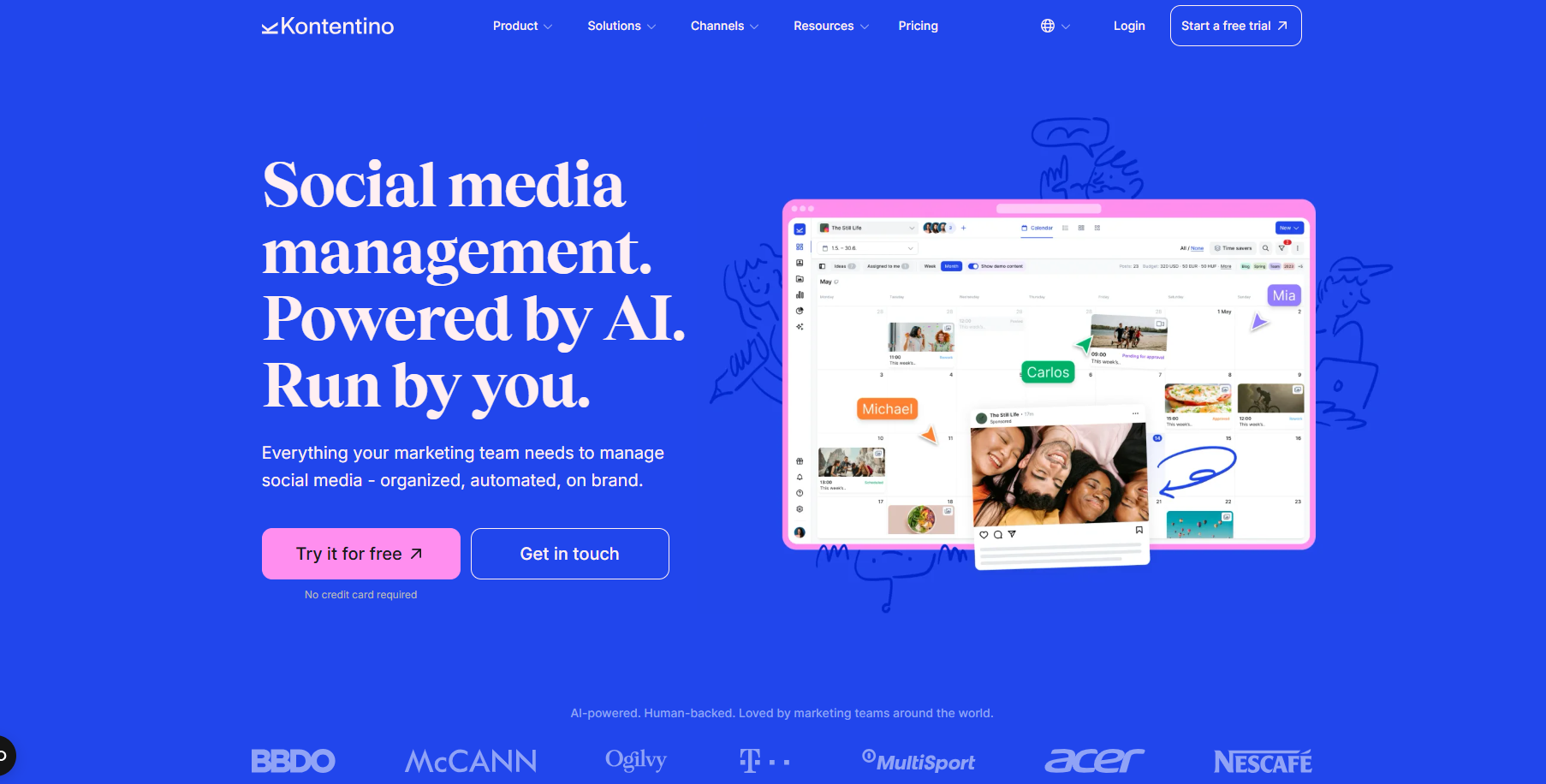
Kontentino has emerged as an intriguing player in the social media management space. It focuses on streamlining the content approval process. One key thing that sets Kontentino apart is its approach to visual content planning.
Key features
- Visual content planning: Kontentino’s preview engine is comprehensive, offering live post previews across remarkably accurate platforms.
- Cost-conscious analytics: Rather than building their own comprehensive analytics suite, they offer it as an add-on costing $54/month.
- Collaboration setup: The platform supports internal and external collaboration well, with features such as text annotations and suggested edits.
Pros
- Excellent post previews
- Affordable entry point
- Good collaboration tools
- Easy content calendar
Cons
- Limited content creation tools
- Analytics sold separately
- Basic automation capabilities
- Some advanced features are missing
Pricing
| Starter | $49/month – 10 profiles, 3 users |
| Starter+ | $79/month – 10 profiles, 5 users |
| Standard | $109/month – 40 profiles, 10-30 users |
| Unlimited | $360/month – Custom profile limits |
17. Mention
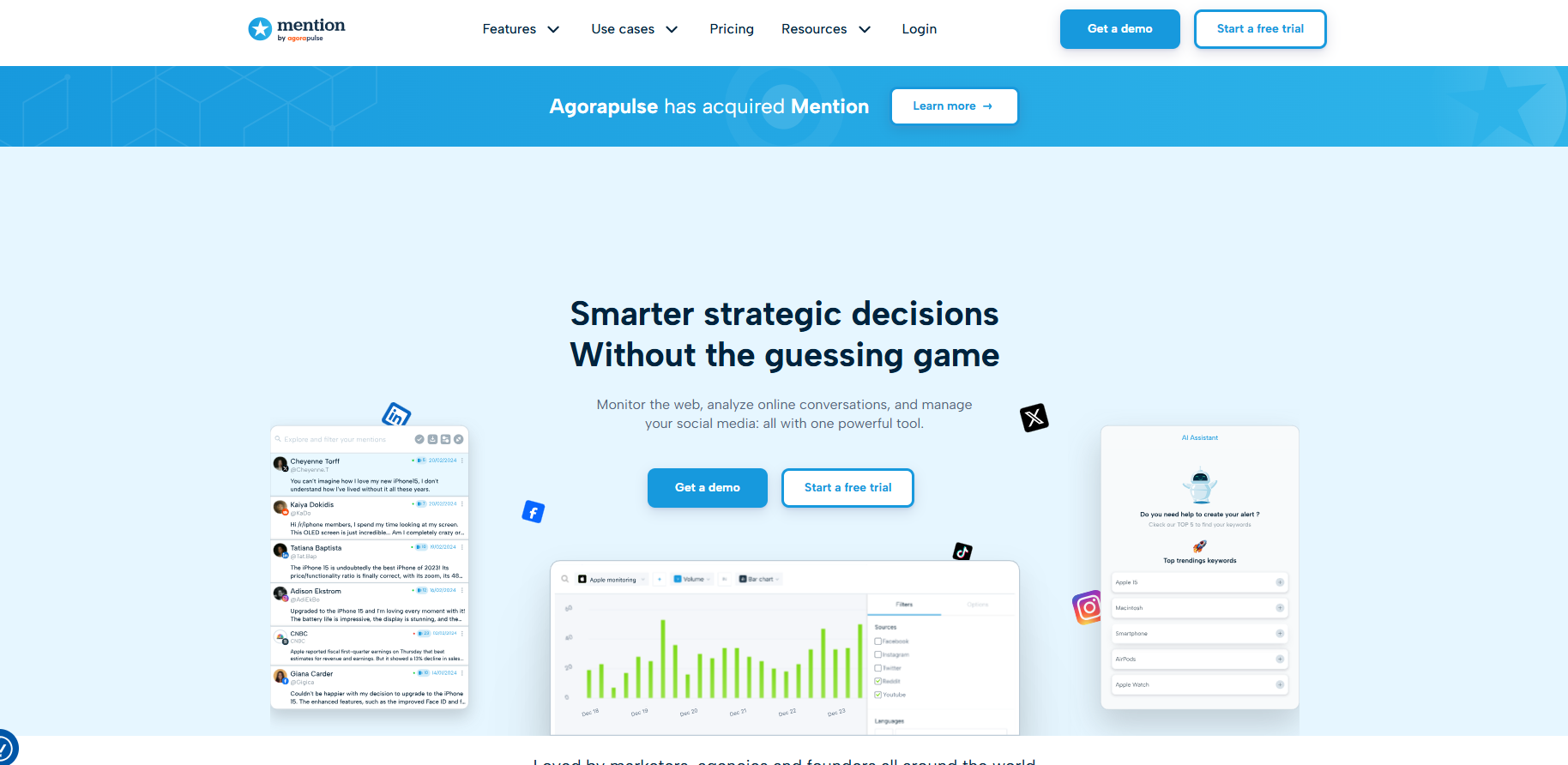
Unlike typical social media management tools, Mention approaches the space from a monitoring and listening perspective first, with management features added as supporting capabilities. This unique angle makes it quite different from standard scheduling-first platforms.
Key features
- Listening capabilities: The platform’s core strength lies in its monitoring, tracking, and analysis of mentions, sentiment, and conversations across various platforms.
- Alert system: The tiered alert system (Basic, Standard, and Advanced) offers different levels of monitoring sophistication.
- Analytics engine: Their analytics focus heavily on brand monitoring rather than content performance.
- Publishing tools: The social media management features feel like add-ons rather than core functionalities. So, you cannot expect the robust scheduling and content creation tools found in dedicated SMM platforms.
Pros
- Strong monitoring tools
- Good sentiment analysis
- Comprehensive alerts
- Multi-language support
Cons
- Limited publishing features
- Basic content creation
- Expensive for scale
- Rigid alert structure
- Complex learning curve
Pricing
| Solo | $49/month – 2 alerts, 5,000 mentions |
| Pro | $99/month – 5 alters, 10,000 mentions |
| ProPlus | $179/month – 7 alerts, 20,000 mentions |
| Company | Custom pricing (Based on annual billing) |
18. Nuelink
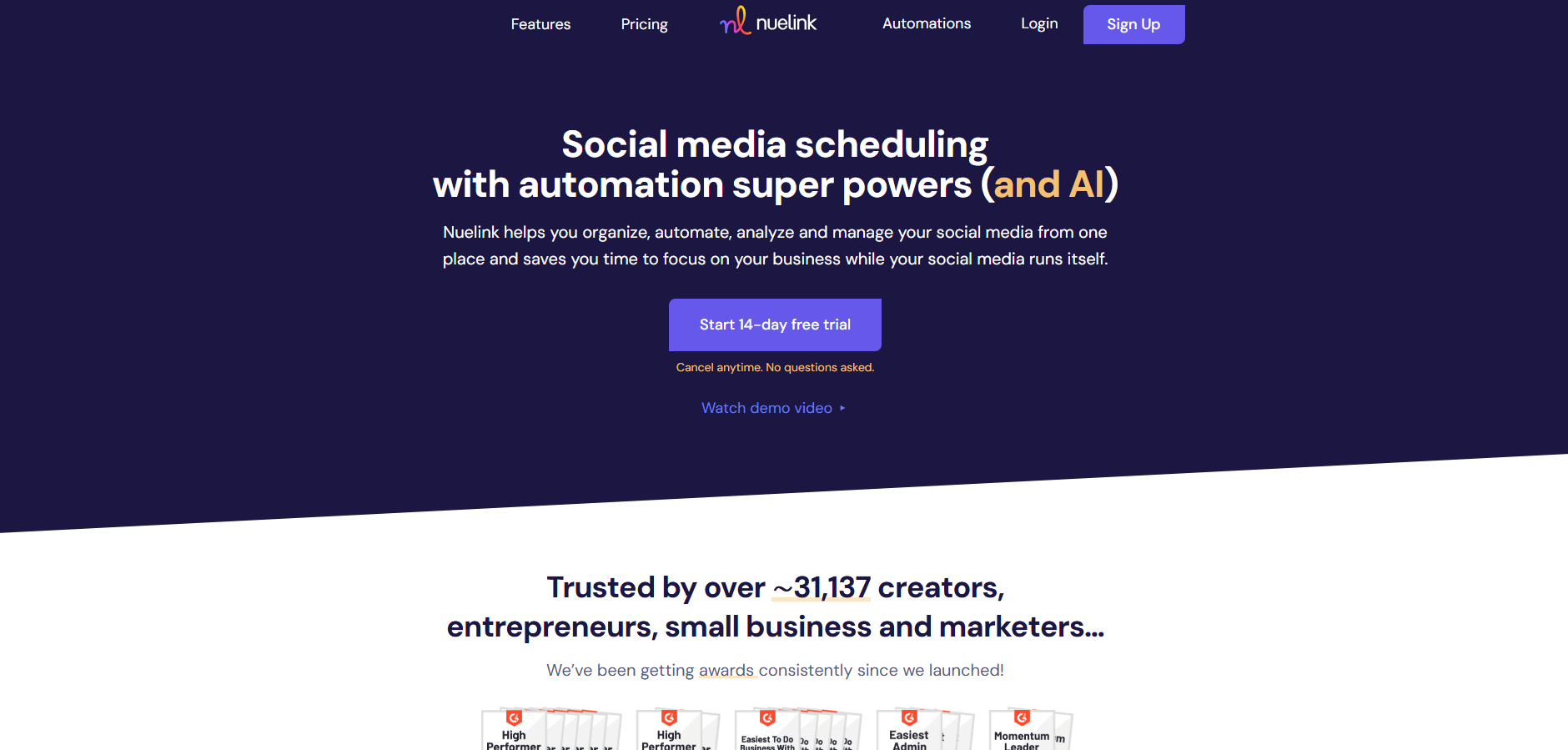
The social media management space is crowded with well-established tools. Nevertheless, Nuelink has emerged as an interesting SMM tool with a strong focus on automation and integration.
While Nuelink lacks the legacy of older platforms, it offers fresh perspectives on social media management.
Key features
- Automation hub: The platform’s strength lies in its automation capabilities. Each plan includes a specific number of “automations” – from crossposting reels to auto-publishing from RSS feeds.
- Collections system: Nuelink organizes content into “collections,” similar to content categories in other platforms. While functional, the system feels somewhat basic compared to more mature content management solutions.
- AI integration: The platform includes AI credits for content generation, but the implementation is still evolving.
- Cross-platform publishing: Their publishing capabilities cover major platforms, including newer ones like Threads and Bluesky. However, the feature depth varies significantly across different social networks.
Pros
- Competitive pricing
- Good automation options
- Broad platform support
Cons
- Limited analytics features
- Basic content tools
- New platform quirks
- Some features still maturing
Pricing
| Standard | $18/month – 1 brand, 7 social channels |
| Premium | $48/month – 2 brands, 20 social channels |
| Business | $78/month – 4 brands, 40 social channels |
| Agency | $128/month – 10 brands, 100 social channels (Based on annual billing) |
19. Publer
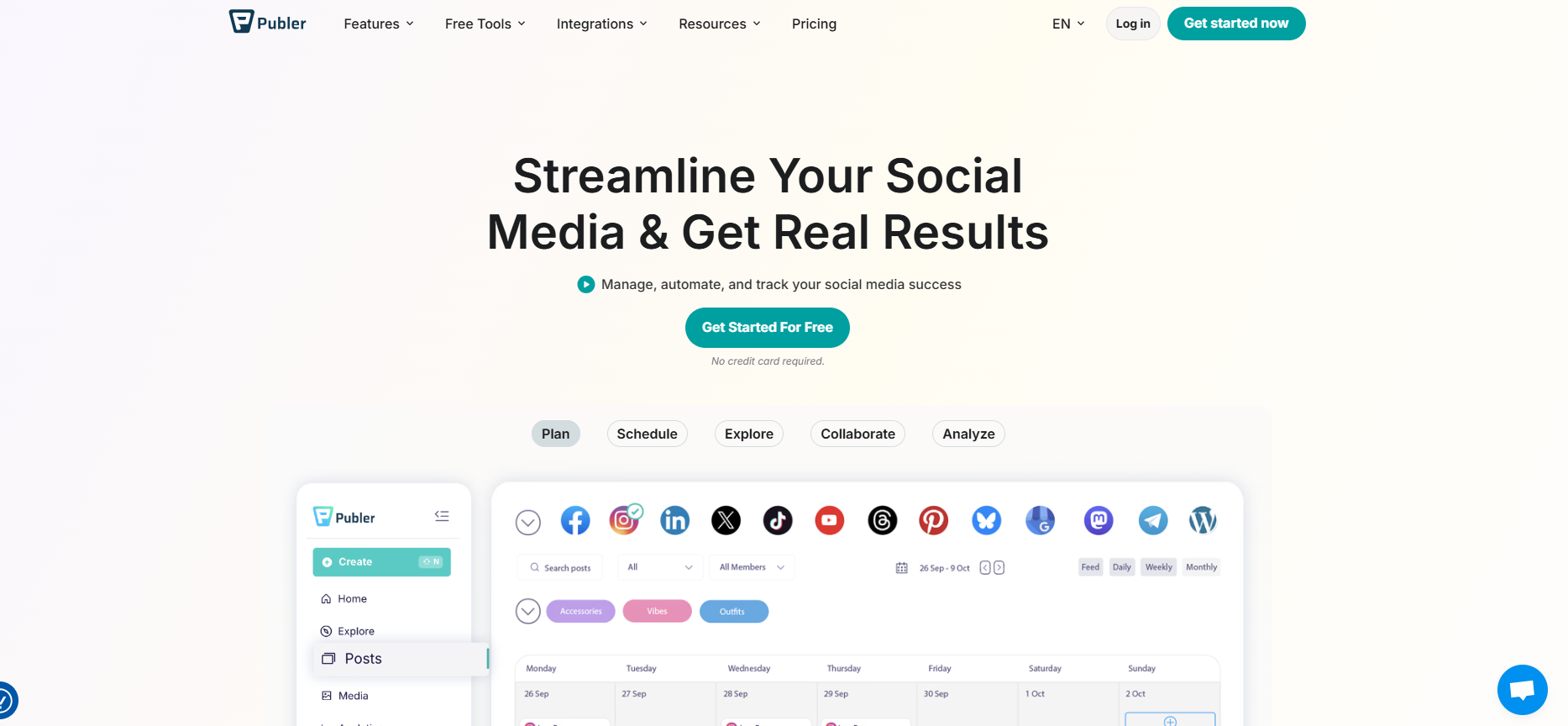
After exploring numerous social media management platforms, Publer stands out as one of the newer entrants, quietly gaining traction. Unique scheduling options with support for all leading social media platforms are the highlight of Publer.
Key features
- Creative scheduling options: Where Publer stands out is in its versatile posting capabilities. The platform offers interesting features like first-comment scheduling and thread creation.
- Content recycling: Their take on it includes Spintax support (a way to automatically create post variations), which is pretty unique.
- Multi-platform support: The platform handles an impressive range of social networks, including newer ones like Mastodon and Bluesky. Yet the features available for each platform vary significantly, with some advanced options restricted to specific networks.
- AI assistant: Recently added AI features show promise, but their implementation feels somewhat basic compared to those of more established platforms.
Pros
- Competitive pricing
- Good platform coverage
- Unique recycling options
Cons
- Basic analytics tools
- Limited collaboration features
- Some features need refinement
Pricing
| Free | 3 social accounts, limited features |
| Professional | $25.50/month – 7 accounts |
| Business | $42.50/month – 15 accounts |
| Enterprise | Custom pricing (based on annual billing) |
20. eClincher

eClincher is a unique social media management tool with a modular approach to managing your social media presence. The platform stands out for its flexible add-on structure, though this approach makes the tool expensive for individuals and small teams.
Key features
- Publishing system: The platform’s scheduling approach is thorough, offering auto-posting with smart queues and RSS feed integration.
- Add-on structure: eClincher’s modular system lets you add features like reputation management ($40/month) and Local SEO ($50/month) as needed. While this flexibility is appealing, the costs can add up quickly.
- Social inbox: Their unified inbox handles engagement well, though the interface could use a refresh.
- Visual calendar: The calendar interface is functional but traditional, lacking some of the more innovative planning features available in newer platforms.
Pros
- Flexible feature selection
- Good RSS integration
- Reliable scheduling
- Decent analytics
- Solid customer support
Cons
- Dated interface
- Basic content creation tools
- Costs increase with add-ons
- Limited automation options
- Mobile experience needs work
Pricing
| Basic | $149/month – 1 brand, 15 profiles |
| Premier | $349/month – 1 brand, 25 profiles |
| Advanced | $425/month – Unlimited brands, 50 profiles (Additional add-ons available for each tier) |
Social media management tools comparison table
With so many options, it’s helpful to see how the leading players compare at a glance. The table below summarizes who each tool is best suited for, the price range, key strengths, AI features, collaboration capabilities, platform coverage, and whether a free plan is available.
Collaboration depth, platform coverage, and whether a free plan exists.
| Tool | Best for | Starting price | Standout feature |
|---|---|---|---|
| ContentStudio | All-in-one social media management | $19/mo | AI-powered content creation & white-label features |
| Sprout Social | Enterprise needs | $199/mo | Advanced listening & analytics |
| Agorapulse | Mid-size teams | $79/mo | ROI tracking |
| Buffer | Simple scheduling | $50/mo | User-friendly interface |
| Later | Visual content focus | $25/mo | Instagram grid planning |
| HeyOrca | Agency approvals | $50/mo | Client-friendly interface |
| Hootsuite | Established teams | $99/mo | Comprehensive training |
| SocialPilot | Growing agencies | $25.50/mo | White-label features |
| Publer | Value seekers | $25.50/mo | Post variations & recycling |
| Loomly | Brand building | $32/mo | Post optimization suggestions |
Conclusion
As we’ve explored these top 20 social media management tools, one thing becomes crystal clear: there’s no one-size-fits-all solution.
Each SMM platform brings something unique to the table, from ContentStudio’s comprehensive AI-powered features to HeyOrca’s streamlined approval workflows, and from Sprout Social’s enterprise-grade analytics to Publer’s innovative scheduling capabilities.
The key to selecting the right social media management platform lies in understanding your specific needs. You should also remember that the most expensive or feature-rich tool isn’t necessarily the best choice for your situation.
Consider factors like:
- Your team size and workflow
- Budget constraints
- Required social networks
- Content creation needs
- Client collaboration requirements
- Analytics depth needed
As social media continues to evolve, these tools will continue to adapt and improve. The key is to choose a platform that not only meets your current needs but can also scale with your growing requirements.
Whether you’re just starting out or looking to switch from your current tool, take advantage of free trials and demos before making your final decision. After all, the right social media management tool should feel less like a complicated piece of software and more like a trusted partner in your social media success story.
So, pick your favorite social media management tool and streamline your social account management!
FAQs
The “best” social media management tool is heavily dependent on your specific needs. However, based on our comprehensive analysis, ContentStudio stands out for its balanced combination of advanced AI features, content discovery capabilities, and robust analytics, making it suitable for both growing businesses and established agencies.
Entry-level plans of top social media management software usually start around $15-50/month, while mid-tier options range from $50-150/month. Enterprise solutions can cost several hundred dollars monthly. The good thing is that most SMM tools offer a free trial, so you can easily try out the tool of your choice.
AI can help write captions, suggest hashtags, and summarize data, but it does not understand your brand as well as a human. A social media manager sets strategy, makes judgment calls during sensitive events, and builds genuine relationships with the audience. AI works best as an assistant, not a replacement.
It is usually better to do a few channels well than many channels poorly. Start by adding your highest‑priority networks and make sure you can post consistently and respond quickly. As your team and systems grow, you can bring more channels into the same tool without losing control.
Recommended for you

How to create a social media report: free template & step-by-step guide
Social media marketing packages explained: Services, pricing & ROI








Powerful social media management software
14-day free trial - No credit card required.